
Explore a visual space map
Connect a folder, finish a scan and explore the files behind its largest blocks. The map covers accessible scanned files, rather than every system-managed byte.
A visual Mac storage cleaner for the folders and photos you choose. Find large files, compare duplicate contents and review each move before it reaches Trash.
macOS 14 or later · On-device analysis · Review before removal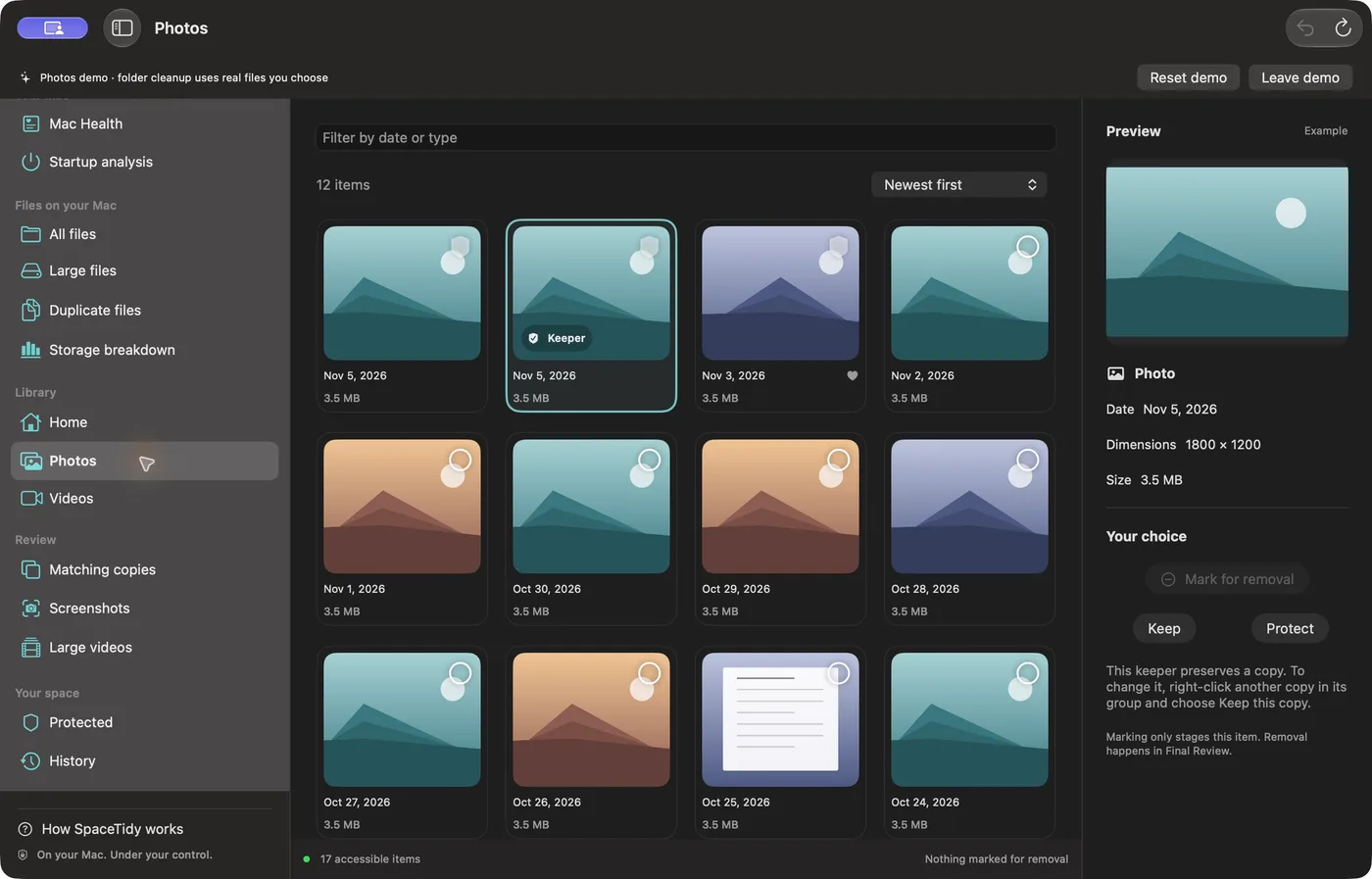
Connect a folder, finish a scan and explore the files behind its largest blocks. The map covers accessible scanned files, rather than every system-managed byte.
Review matching file contents and locations. A backup or project dependency can be intentional, so choose the copy that belongs in your workflow.
Compare photo candidates, protect keepers and check a final selection before Apple’s deletion confirmation.
Photo and video compression saves a separate copy. Compare sizes and inspect the result before deciding what to do with the original.
Use an encrypted private vault with Mac authentication and reviewed duplicate-contact merging with a vCard recovery backup.
Read CPU, memory and available-storage charts, startup information and folder-based disk benchmarks. Charts provide context; they do not automatically fix performance.
Folder tools inspect the accessible folders you connect. System-managed data, hidden files, packages and cloud-only originals can be outside the map.
No. Reviewed supported file moves go to Trash. Cleanup history can restore eligible journaled moves while the item and original location remain accessible.
The Mac build supports Apple silicon and Intel Macs running macOS 14 or later. Public download availability is listed on the download page.