
Review duplicate-photo candidates
Compare the extras and protect a keeper. Similar memories can have different expressions or details, so you make the final choice.
Work through duplicate-photo candidates, forgotten screenshots and large videos in short review sessions. Keep your favorites and approve what changes.
iOS 17 or later · On-device analysis · Review before removal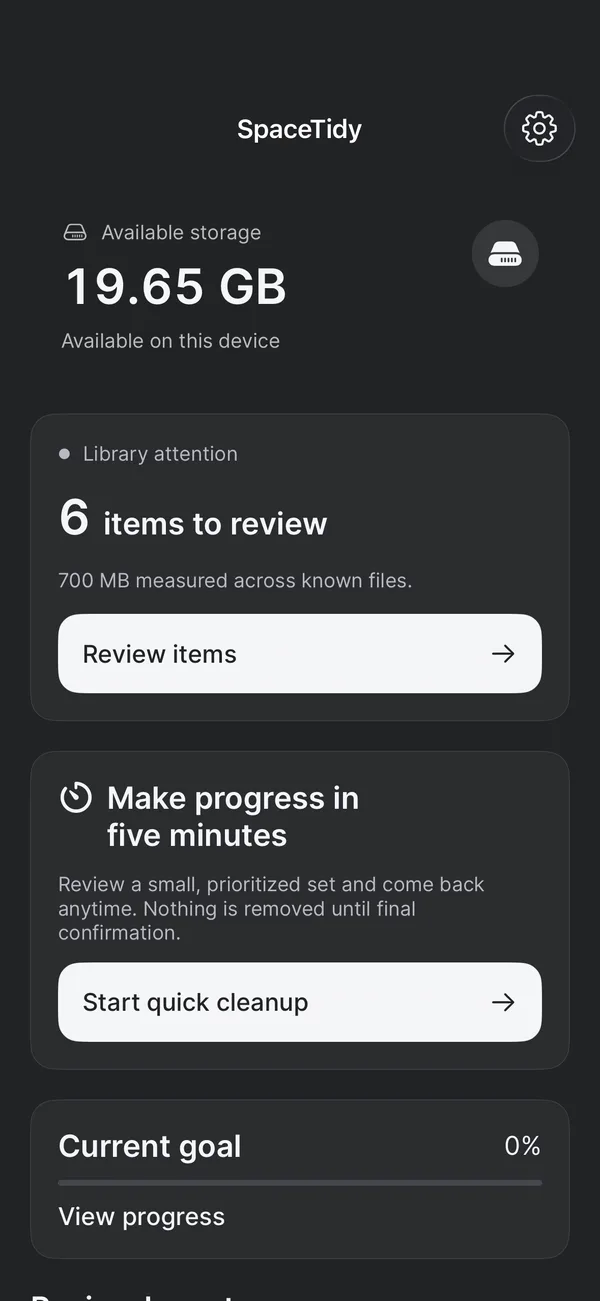
Compare the extras and protect a keeper. Similar memories can have different expressions or details, so you make the final choice.
Start with a category rather than scrolling through your entire camera roll. Inspect the items you want to keep before marking the rest.
Create a separate smaller JPEG or MP4 copy. Originals stay in place; compression does not immediately free their space.
Import an encrypted copy and unlock with device authentication. Export an existing file when you need it outside the vault.
Review matching phone numbers or email addresses, choose a keeper and save a recovery backup before merging.
Connect a folder to inspect storage maps, large files and matching file contents. File removal remains in Apple’s Files app.
No. SpaceTidy does not clear system storage or other apps’ caches. It reviews your permitted Photos library and selected accessible folders.
No. It saves a separate copy. Review the output’s appearance, playback and size before making a separate decision about the source.
If the devices use the same iCloud Photos library, deletion can sync between them. Keep a verified independent export when you need an archive.